
The hand-made prototype works. Now it needs turning into something that can be printed, assembled, taken apart and improved without starting from scratch every time. So: FreeCAD.
The starting point
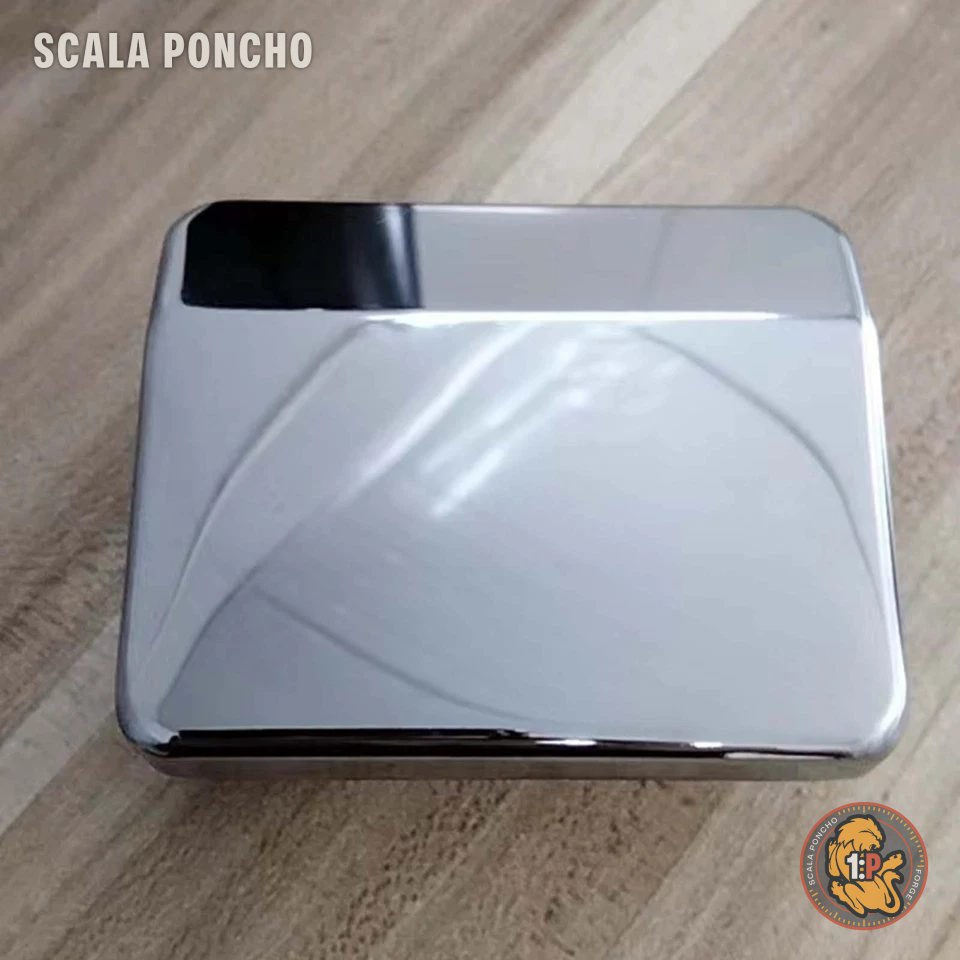
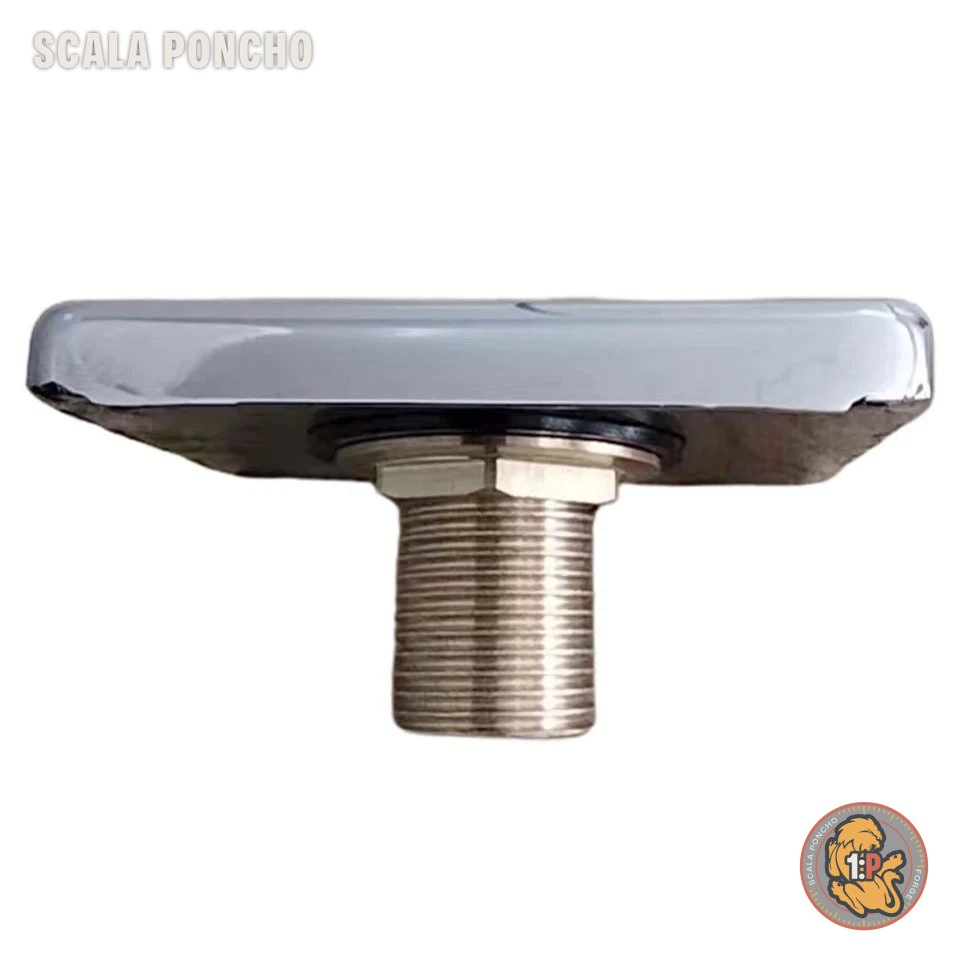
The cascade starts from two metal outlets, the water-blade kind. They can’t be printed: they’re the reference everything else is designed around. Before drawing a single line I photographed fittings and threads, because getting a measurement wrong there means reprinting everything.
Twelve parts, all in pairs
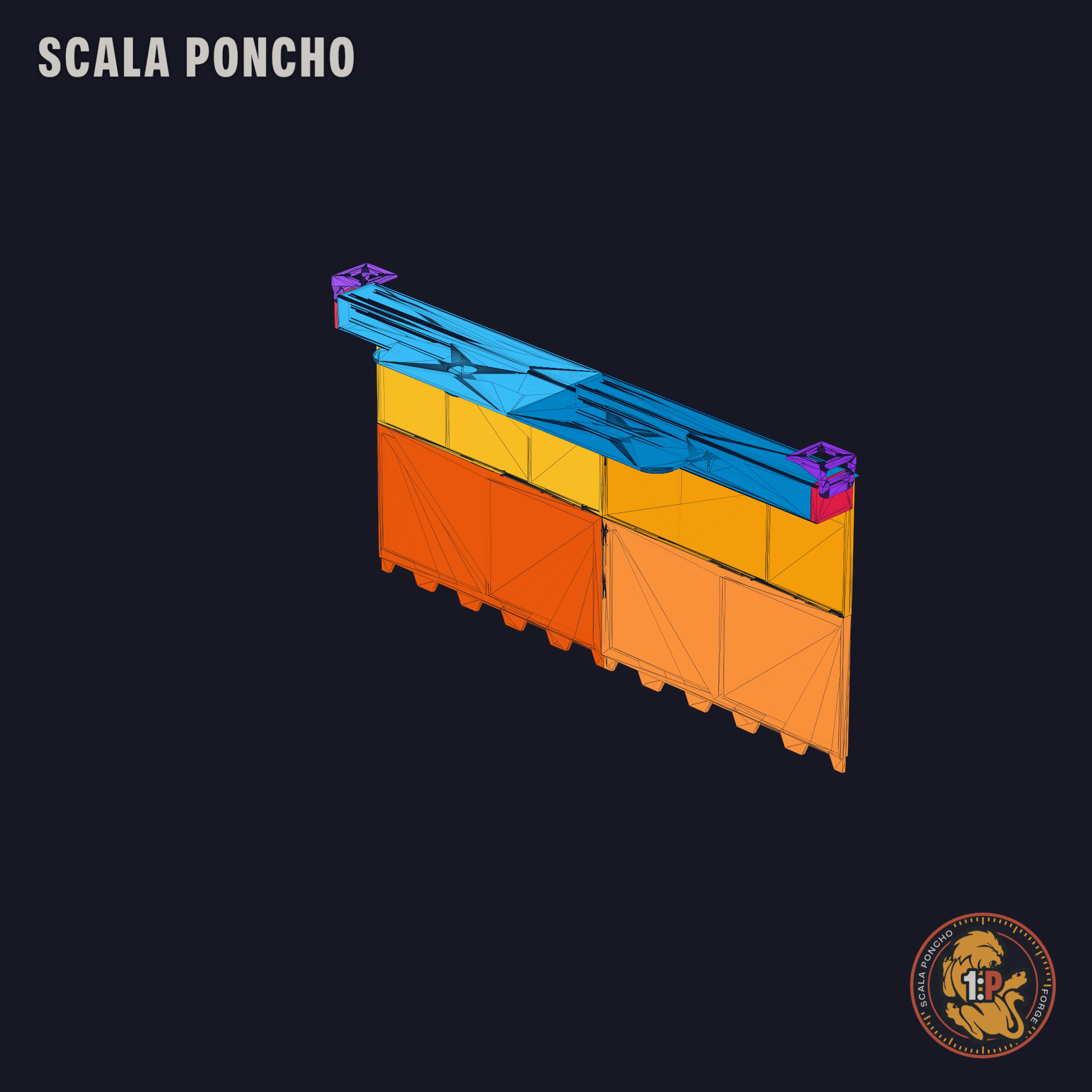
The cascade is 450 mm wide and 290 mm long. Too big to print in one piece, so it’s split into two mirrored halves, right and left, and each half into several parts:
- manifold: collects the water and spreads it across the full width, with the outlet lip;
- upper chute (134.5 mm) and lower chute (155.5 mm), which ends with the 15 mm drip teeth;
- L-brackets that mount on MGN12H linear rails, so the cascade slides and can be adjusted;
- end caps and a flat 2.3 mm locking pin.
Total: 11 files and 12 parts to print (the pin works for both sides, so you print two). Everything is mirrored around the centre: you draw one side and get the other by mirroring.
The joints
The fun part, and the one that took the most versions, is the joints. No screws where they’re not needed:
- the right and left manifolds join with a bayonet joint;
- manifold and upper chute are held by three 10.3 mm magnets and two slotted guides that centre them;
- the two lower chutes lock together with a 2.0 mm male tab in a 2.2 mm pocket;
- end cap and bracket have another bayonet joint, locked by the pin.
Standard tolerance is 0.2 mm per side on every mating surface. Less and the parts won’t go in. More and they wobble.
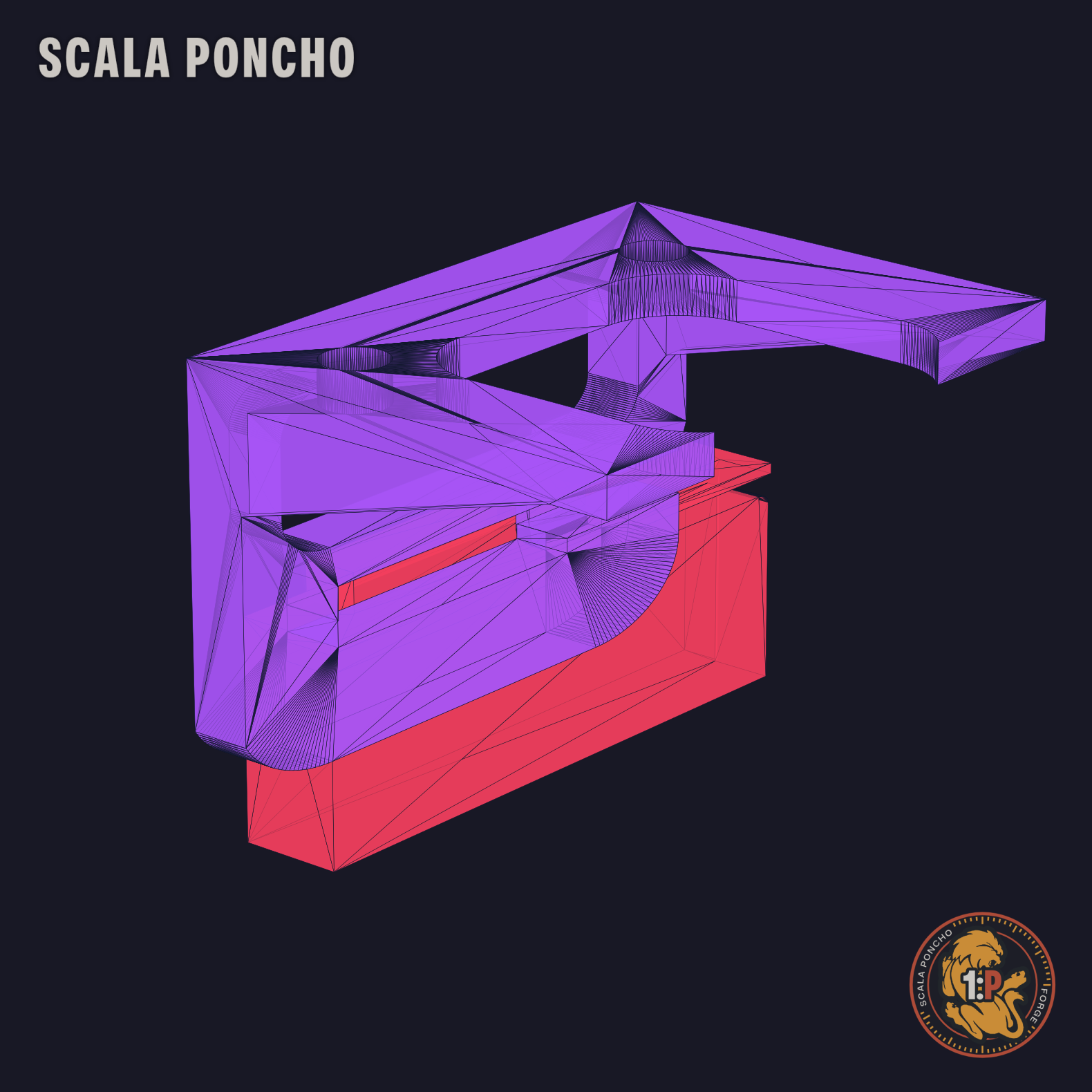
Fun fact: on the cap-bracket joint FreeCAD’s check reports an interference. Printed and assembled, though, the fit is perfect. Sometimes CAD is right about the geometry and wrong about the plastic.
Assembly, before printing
A macro builds the complete assembly from the individual parts and also generates an assembly animation. It’s there to check everything goes where it should before burning through a kilo of filament.
What I learned
- Never overwrite. Every version is a new file, with the number in the name: the assembly went from 3.1 to 5.11, and every time something broke I could go back.
- Add changes at the end. In FreeCAD, touching a sketch early in the chain renumbers edges and faces, and everything after it loses its references. Better a new feature at the end than an afternoon fixing constraints.
- The right assistant matters. At first I worked with an AI-powered IDE that generated a new script for every attempt: after a few weeks I had more than 180 throwaway files and no idea which one was the good one. I dropped it. With the assistant I use now the project has a structure, a version archive and documentation. Which, for someone who’s an IT consultant by trade, is almost embarrassing to admit.
Next episode: printing, assembly and the test with real water. Which is the one that doesn’t forgive.